ACS Commons Installation
Following is the guide to install ACS Commons package on AEM instance.
Step-01: Goto the following link to ACS Commons Package
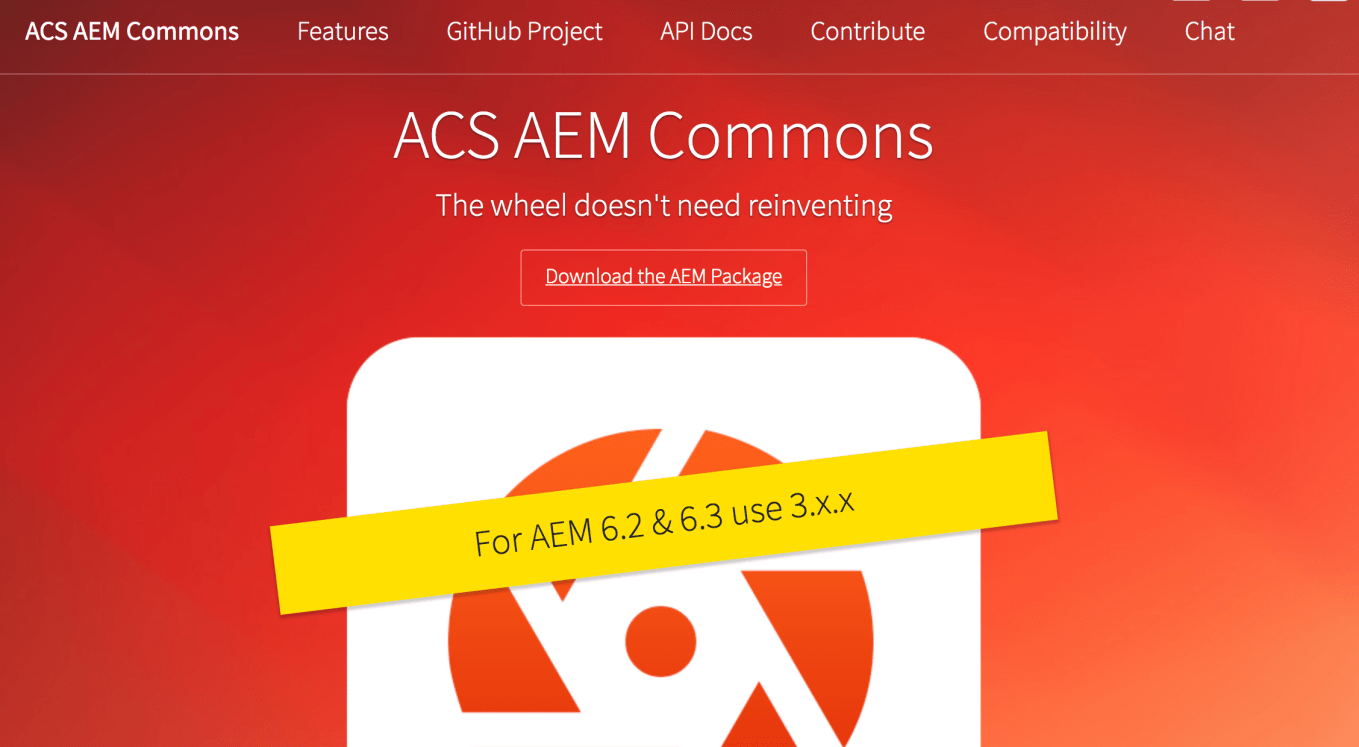
Step-02: Directly download the latest version from the following link
$ https://github.com/Adobe-Consulting-Services/acs-aem-commons/releases/download/acs-aem-commons-3.17.0/acs-aem-commons-content-3.17.0.zip
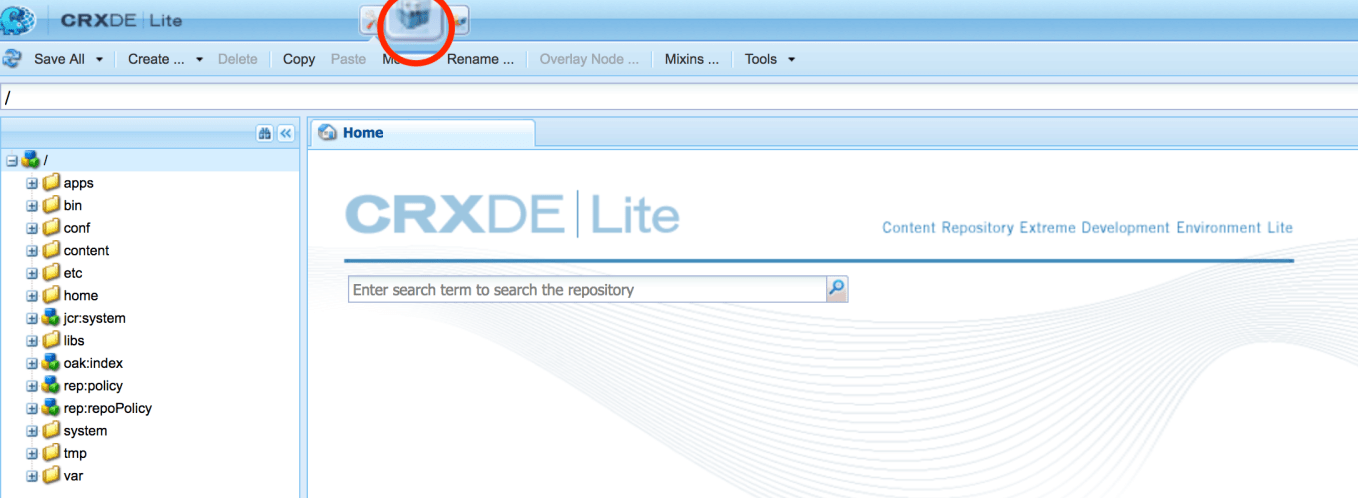
Step-03: Open CRXDE and select the Package Manager
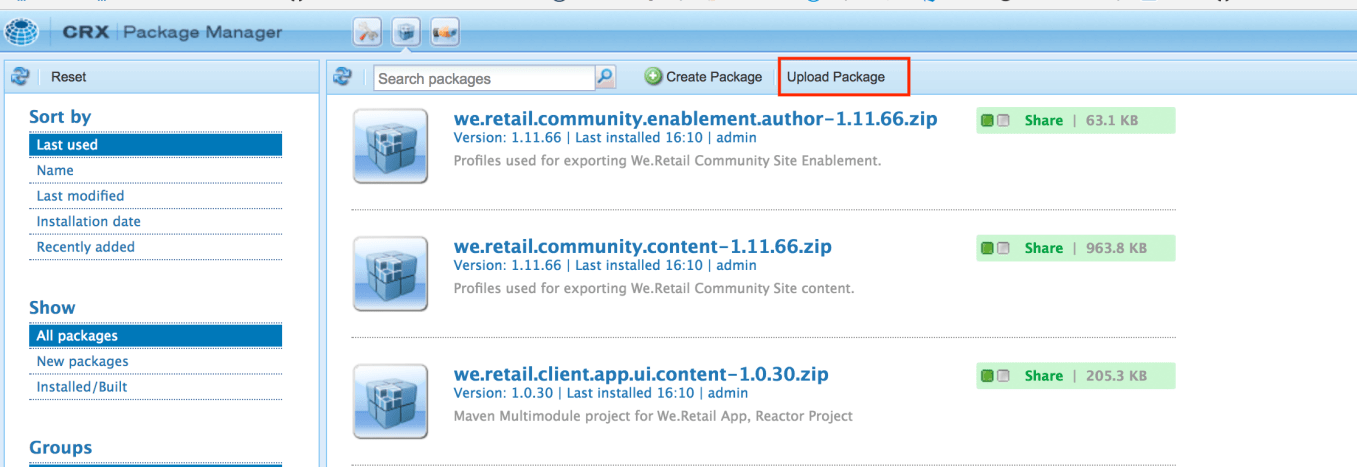
Step-04: On Package Manager, select UPLOAD PACKAGE
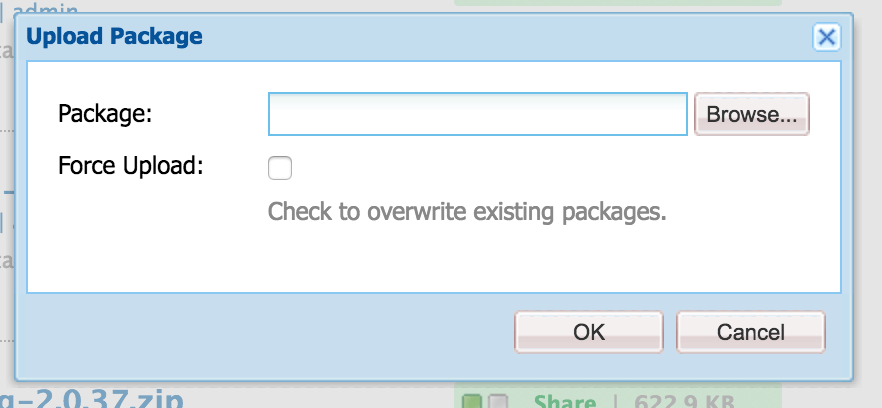
Step-05: Browse and Upload the downloaded ACS commons package
Step-06: Install the uploaded Package
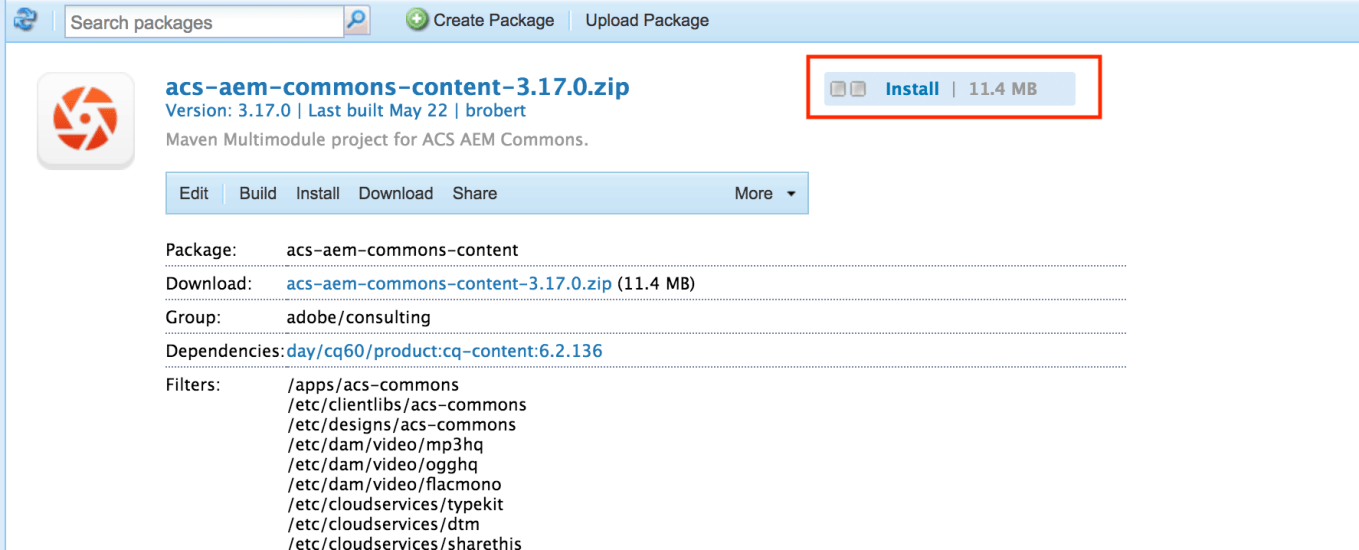


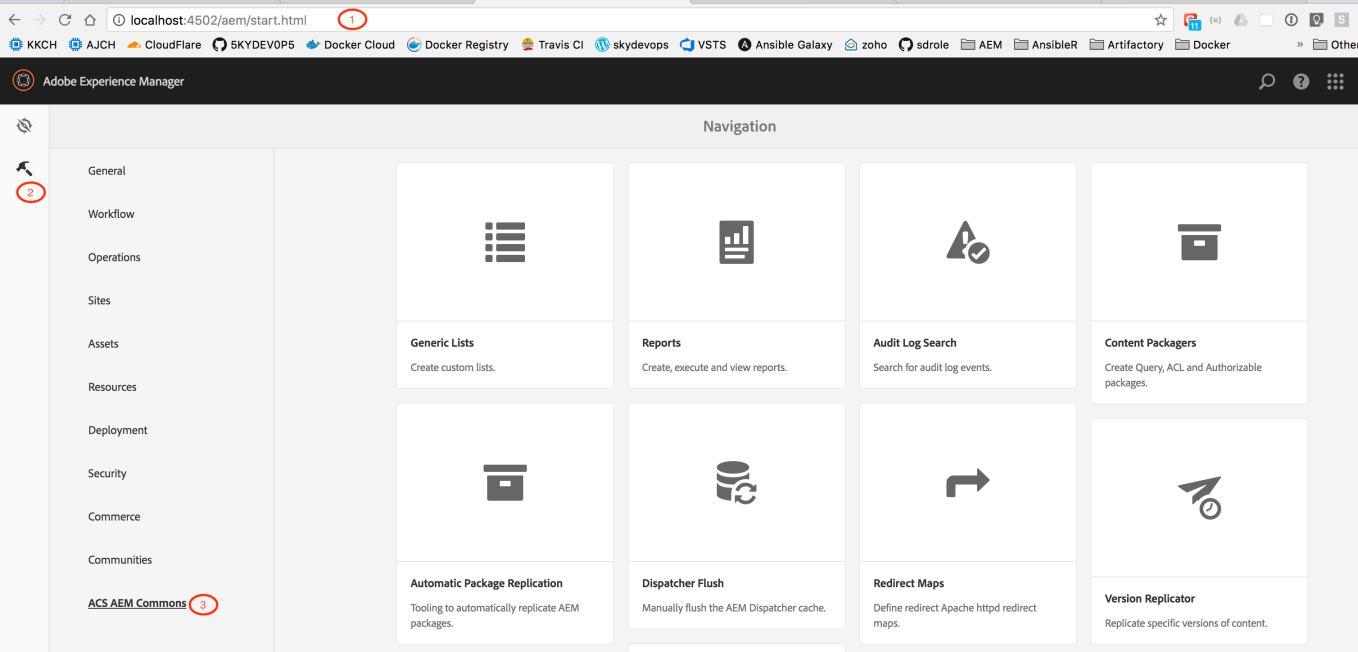
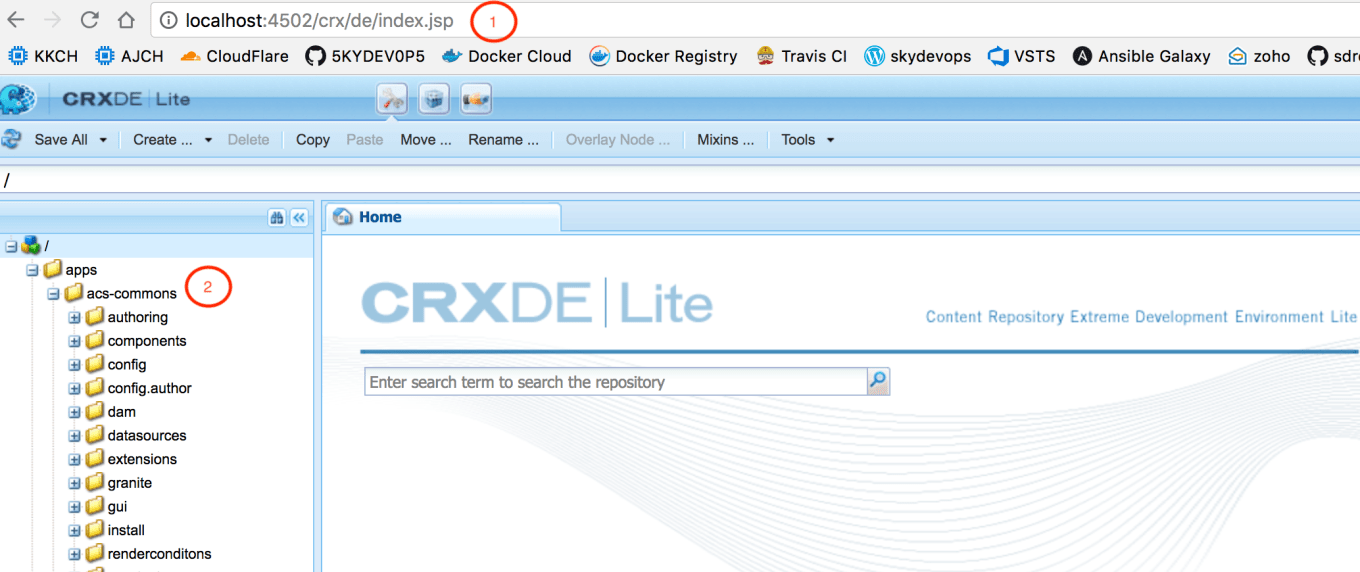
Step-07: Verifying Package installation
Categories
Adobe Experience Manager, Adobe Experience Manager 6.x, AEM, AEM ACS Commons, aem63, java

 SKYDEVOPS
3 thoughts on “ACS Commons Installation” Leave a comment ›