AEM Cold Backup
Disclaimer:
This is just a custom guide to run cold backup on AEM Author/Publish instance on remote windows server, this could be more technical and advanced guide, if you do not understand or don’t know what you are doing, I kindly request you to take extreme caution. The components used here are billable. SKYDEVOPS/I/WE do not take any responsibility if the guide causes any serious damage or issues, which you have to take full responsibility.
Step-01: Create a Free style Job on Jenkins

Step-02: Setup a parameterised build job, create a string parameter for remote Host
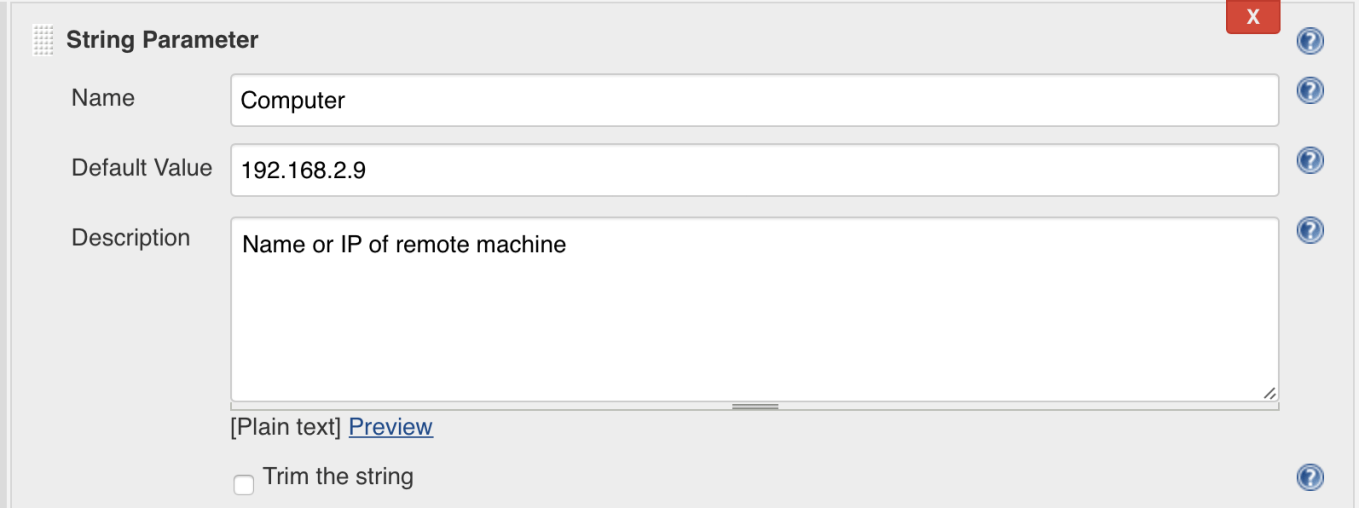
Step-03: Setup a string parameter for remote User

Step-04: Setup a String parameter for Remote User Password
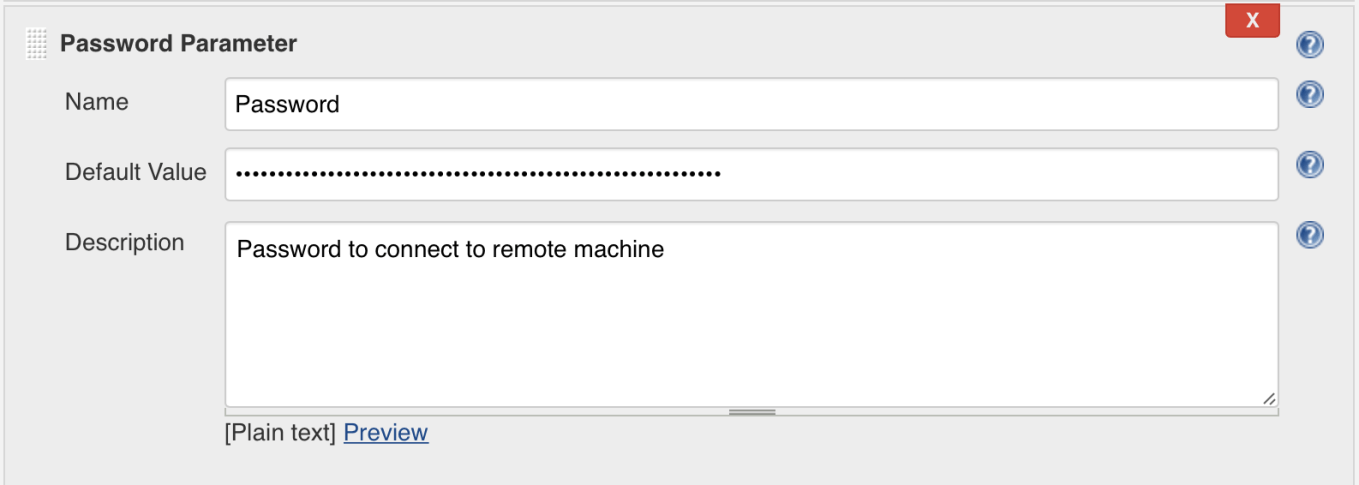
Step-05: Create a Powershell script to run cold backup on AEM
# stopping the job if it encounters error
$ErrorActionPreference = 'Stop'

# Credentials are stored in env and dynamic variables
$SecurePassword = $env:Password | ConvertTo-SecureString -AsPlainText -Force
$cred = New-Object System.Management.Automation.PSCredential -ArgumentList $env:User, $SecurePassword


# Invoke a command on the remote machine.
Invoke-Command -ComputerName $env:Computer -Credential $cred -ScriptBlock {
Stop-Service -Name AEM6A

cd C:UsersSKYDEVOPSDesktopAEMAuthorcrx-quickstart
$fName=(Get-Item -Path ".").Parent.BaseName

compress-archive -Path C:UsersSKYDEVOPSDesktopAEMAuthorcrx-quickstart -CompressionLevel optimal -DestinationPath "C:UsersSKYDEVOPSDesktopbackups$(get-date -f yyyy-MM-dd-hhmmss)_$fName.zip"

Start-Service -Name AEM6A
}

 SKYDEVOPS